Look, feel, and flow
In Develop a Web Style Guide for Your Company I recommend using title case for page titles and sentence case for headings and subheadings within pages. If you are not sure about following that guidance, here I will make a reasoned case why you should.
Look
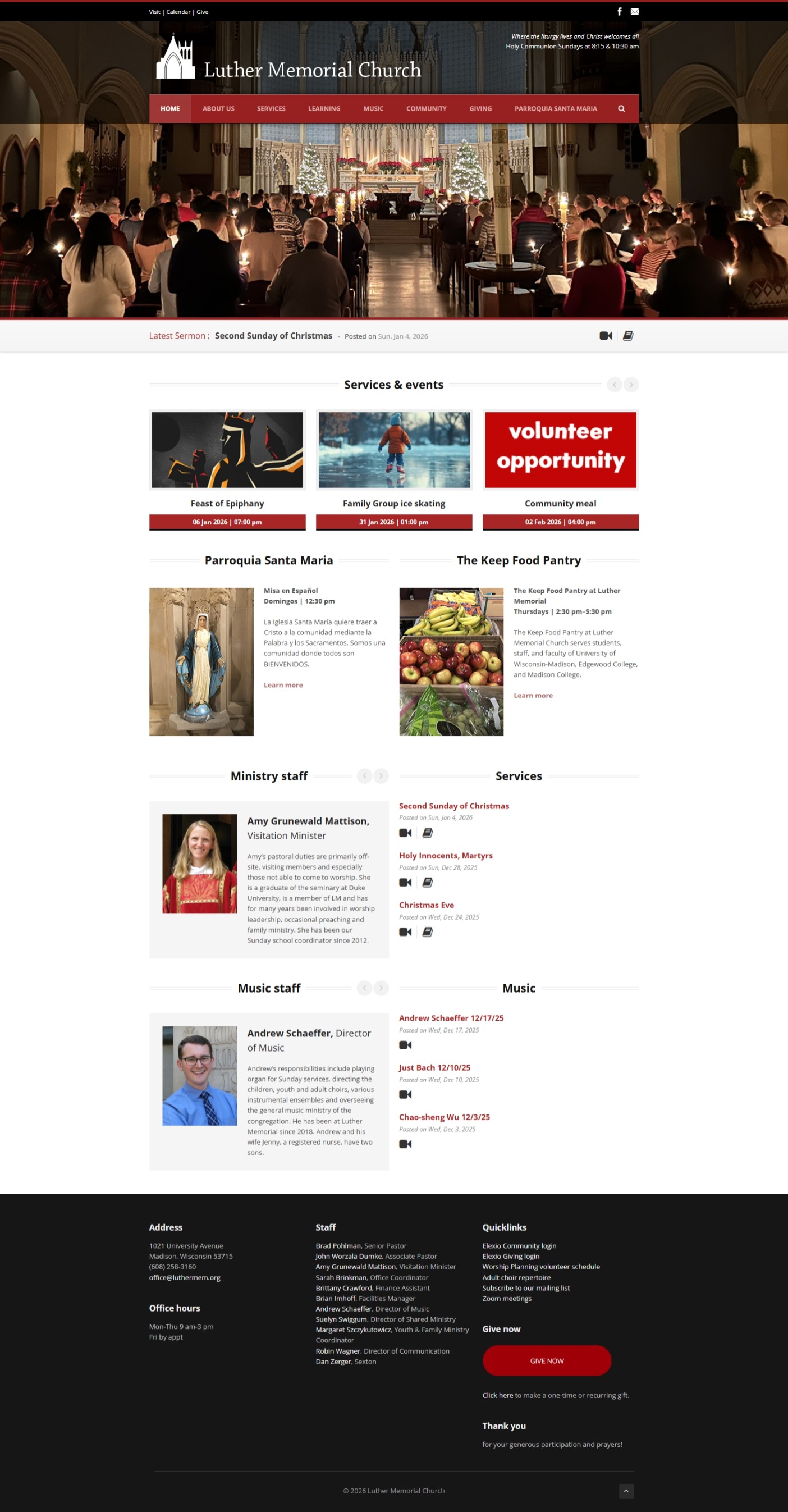
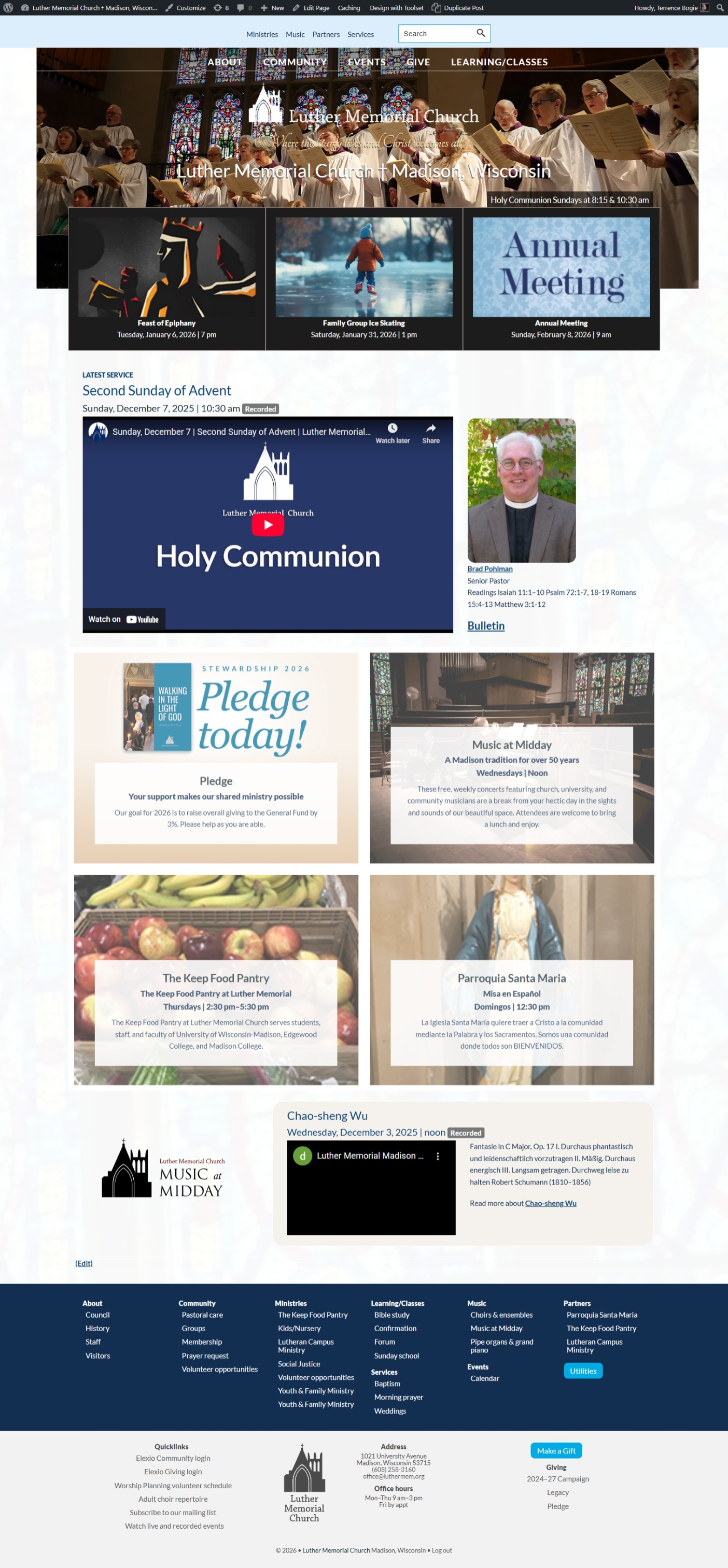
It looks good. Sentence case headings and subheadings create a more readable, attractive appearance on the page compared to title case, which can look cluttered.
Use sentence case for headings and subheadings. Sentence case is easier to read.
—Content Design London
Feel
It feels conversational and connected. Sentence case creates a friendly, human tone that builds connection with readers, especially younger audiences, and avoids the formal, distant feel of title case.
Sentence case aligns with how people speak and read naturally … It feels more approachable and conversational, which matches the tone we want to set for our audience (paraphrased from their reasoning on user demographics and testing) … We found sentence case reduces mental load and makes headings feel more like natural language.
—USAGov
Flow
It interrupts the flow of the page content just enough to make the headings scannable on first glance, but makes the headings feel connected to what follows. Title case was long the default in Google Ads to grab attention like a burr grabs your sock, but recent performance data shows sentence case delivers better results and avoids the ugly, jagged look that disrupts reader flow—exactly the experience we want to spare our customers.
Sentence case reduces visual clutter, especially in longer headings or subheadings … It allows the eye to flow smoothly down the page while still providing clear hierarchy and scannability … Title case can make longer phrases feel jagged and interrupt the natural reading flow, whereas sentence case keeps everything connected to the body text that follows.
—Chad Coleman
Or as they would say on Schoolhouse Rocks in some bizarre AI world
Title case for page titles
The goal of making style-guide rules for your writing and web content especially is consistency. Print content generally has a life of its own where web content has a life with many peers. Something you create on your website today sits next to something you made last year and will be joined new content all the time. Following a set of rules will ensure a consistent user experience across content from different years and different writers.
Using title case for page titles says to your website readers that this is something special. This is first and foremost among the content on this page.
References
These are the articles that I quote or reference in this post.
- Headings and titles | Readability Guidelines, Content Design London (2019)
- Making the case for sentence case on USAGov’s websites | USAGov, U.S. General Services Administration (2023)
- Headline Capitalization for UX: Title Case vs. Sentence Case | Herosmyth, Chad Coleman, Herosmyth (2020)